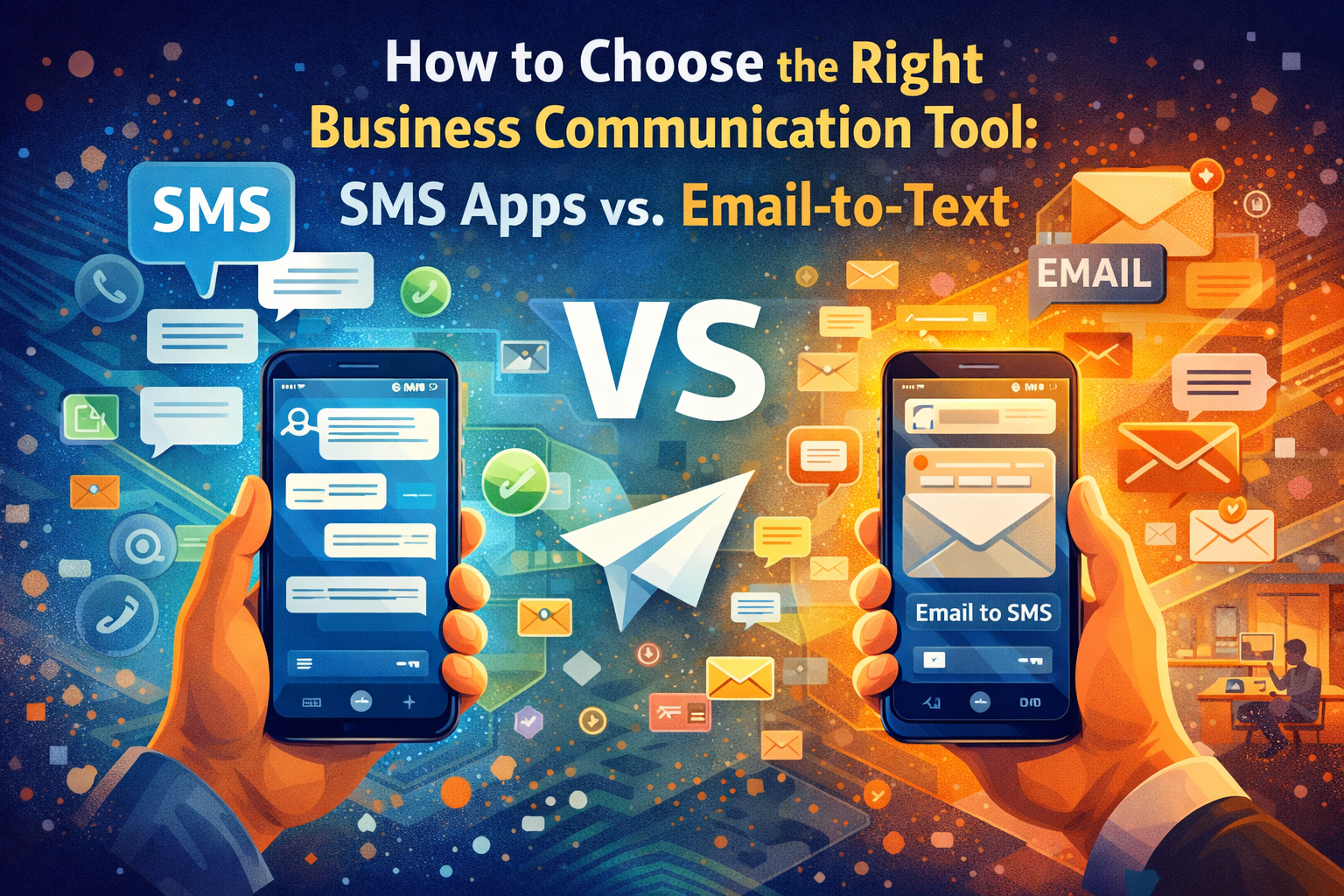
How to Choose the Right Business Communication Tool: SMS Apps vs. Email-to-Text
By Andrew Johnsons • 31 März 2026
Business Communication Tools: SMS Apps vs Email-to-Text
A buddy of mine runs a landscaping company out in New Jersey. Last year alone, he signed up for three separate texting platforms. And canceled every single one. Not because any of them were bad, exactly. The real issue was simpler than that. His crew of eight guys just wouldn't log into them. They kept texting customers from their personal phones like they always had.
He blamed the software each time. But looking back, his actual mistake happened before he ever signed up. He picked each tool based on what impressed him during a 15-minute demo instead of thinking about whether his guys would bother using it on a Tuesday afternoon between jobs.
That's what choosing the right business communication tool really comes down to. Not which platform has the slickest dashboard, but which one your people won't ignore.
Two options dominate right now: full-blown SMS apps and email-to-text gateways. On paper, both do the same thing (put a message on someone's phone). Day to day? Completely different animals. I'll get into specifics below.
Compliance Gotchas That Blindside Small Companies
We need to talk about regulations before features because this part can bite you.
The 10DLC Mess
Verizon, AT& T, and T-Mobile all started enforcing something in 2023 called 10DLC registration. Basically, if you want to text customers from a business number, you have to register that number first. Don't register? Your messages might get filtered without any warning whatsoever. No bounce notification, no error message. The text just never shows up.
A roofing contractor I spoke with last fall had been sending appointment confirmations for four months. He only found out they weren't going through when a customer complained about "never hearing back." Four months of invisible failures. Whatever business communication tool you pick, 10DLC registration needs to be baked in from day one.
Real Consequences of Vanishing Messages
A missed promotional text is annoying. A missed appointment reminder from a medical office costs money and trust. A missed emergency notification from a school is genuinely dangerous. The stakes vary by industry, but they're never zero. And unregistered numbers are the number one reason messages disappear.
Why Staff Adoption Falls Apart
Here's the dirty secret of business texting software. I keep hearing the same thing from people who manage small offices. New platform, training day (pizza included), everyone seems on board. Give it three weeks and half the staff has quietly gone back to texting from their own phones. The tool felt like one more thing to manage. So they routed around it. Any business communication tool that your team treats like a chore is money wasted, period.
What You're Actually Choosing Between
I'll spare you the vendor marketing language. Here's what each option looks like in practice.
Full-Service SMS Platforms
SlickText, SimpleTexting, EZTexting. You've probably seen the ads. They pack a lot in: contact databases, drip campaigns, scheduling, templates, opt-out tracking, the works. If you're a marketing team blasting weekly promos to thousands of subscribers, all of that earns its keep.
But it comes at a cost beyond the subscription fee. There's a learning curve. Someone has to own the account, manage contacts, build sequences. For a dental office that just needs to confirm 20 appointments a day, you're paying for and managing a system built for a very different use case. Feels a bit like leasing a box truck to pick up groceries.
Email-to-Text Gateways
I'll be honest, I didn't take this category seriously at first. The pitch sounded almost too basic: your team can send an email to text a customer's phone right from Gmail or Outlook. Type a message, press send, done. It lands as a text on the other end.
"That's it?" was pretty much my exact reaction. But then I watched it in action at a physiotherapy clinic I'm friendly with. Their office manager got set up on a Wednesday morning and by lunchtime had fired off 15 appointment confirmations. She never once asked how it worked. Just opened her email and started sending.
Three Questions That Actually Matter
Honestly, you can narrow this down with three gut-check questions.
How Much Volume Are You Pushing?
Hundreds of promotional messages a day with A/B testing and conversion tracking? Yeah, you need a standalone platform for that. The reporting alone justifies it.
But for the vet clinic sending appointment reminders, or the property manager pinging tenants about maintenance windows? An email-to-text gateway handles that workload and you won't spend a dime on features you never open.
Who on Your Team Will Hit Send?
A Grand View Research report clocks SMS marketing growth at over 20% a year through 2030. In real terms, that means a flood of companies buying their first business texting tool ever, often without anyone on staff who's managed this kind of software before.
So think about it: is the person sending these messages a marketer who lives in SaaS tools all day? Or is it your office coordinator who's already drowning in schedules, billing, and supply orders? That person needs a tool she can pick up over lunch. Not one that requires a 45-minute webinar.
Will It Keep You Compliant?
Both SMS apps and email-to-text tools can handle 10DLC. Operative word: can. Not all of them do it automatically. Before signing up, nail these down:
Does it route through carrier-approved channels?
Is 10DLC registration included or do you handle it separately?
What delivery guarantees do they actually offer?
Some platforms deliberately skip registration because it shortens their setup process. Looks great during onboarding. Looks terrible three months in when half your texts vanish into the void.
One More Thing Before You Sign Up
Ditch the Demo and Do a Real Test
Free trials exist for a reason. Don't just let the person evaluating the tool poke around in it. Give access to whoever answers phones at your office. The warehouse supervisor. The scheduling coordinator. If that person can't figure it out in ten minutes without help, you have your answer.
Lock In What's Hard to Change Later
You can always tweak templates and customize settings down the road. Switching platforms entirely after your staff has gotten comfortable? That's a six-month headache nobody signs up for willingly. Focus your evaluation on the things that are painful to fix afterward: carrier compliance, message deliverability, and whether the tool actually fits your team's daily workflow.
Conclusion
Your best business communication tool isn't going to be the one with the most impressive feature page. It's going to be the one your receptionist, your foreman, or your office manager picks up without thinking twice about it, while keeping your texts compliant and actually delivered.
If marketing drives your texting, a full SMS platform gives you the muscle. If you just need your team to text customers reliably without onboarding headaches, email-to-text is the way. Nail down your volume, figure out who's pressing send every day, and double-check the compliance piece. After that, the answer tends to be pretty obvious.
Related Articles
Top 7 Call Answering Services for Contractors Compared
By Andrew Johnsons • 31 März 2026
Top 7 call answering services for contractors compared side by side. Discover how AI-powered, live receptionist, and hybrid solutions can help you capture more leads, respond to emergencies faster, and never miss another high-value job.

How to Evaluate Service Providers Beyond Price Points
By Andrew Johnson • 16 Mai 2025
When selecting service providers for your business, focusing solely on price often leads to costly mistakes. According to a recent SMB survey, 68% of businesses report having terminated at least one service relationship within the past year due to quality issues - despite initially choosing the provider based on competitive pricing. This cycle of selection and replacement creates unnecessary expenses and disruptions that affect your bottom line and customer relationships.

The Future of Software Developer Recruitment: Insights from Agency Leaders
By Andrew Johnsons • 9 August 2024
The landscape of software development is a whirlwind of innovation, constantly evolving with new technologies, methodologies, and ever-growing demands. In this fast-paced environment, the role of recruitment agencies in bridging the gap between talented developers and exciting opportunities has become paramount. But what does the horizon look like for this dynamic industry? Let's embark on a journey to explore the insights from the very individuals who are shaping its trajectory.